
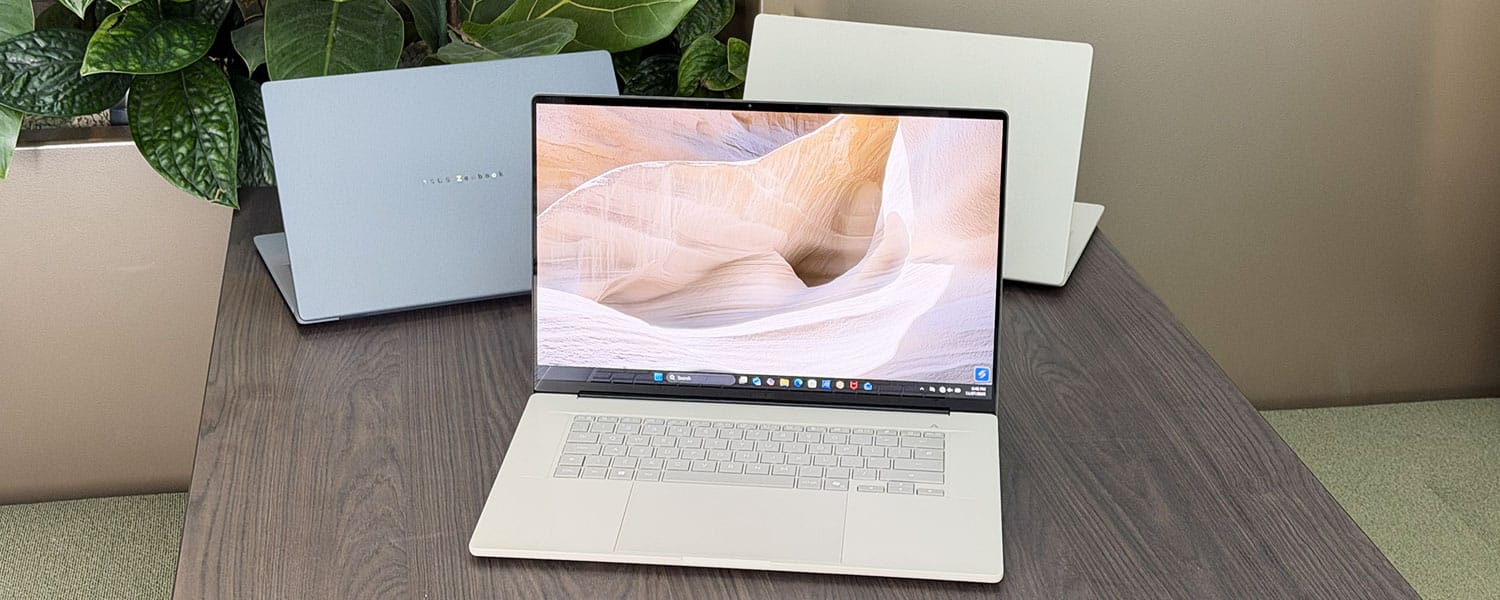
Asus are implementing the latest Qualcomm Snapdragon X2 Elite hardware in the refreshed 2026 Zenbook A14, as well as expanding the Zenbook A lineup with a 16-inch Zenbook A16 model that offers a latest-generation OLED display and the most powerful Snapdragon X2 Elite Extreme specs available from Qualcomm so far, all in an ultralight chassis at 1.2 kilos.
I’ve handled these before launch and gathered some thoughts and impressions that I will share with you in the article.
We’re mostly going to focus on the new Zenbook A16 model, though, as the 14-inch variant is merely a hardware bump on the existing A14 discussed in this review. I don’t mind faster hardware, especially as the X2 Elite processor promises a notable bump in CPU and GPU performance over the X1 Elite chip in the 2025 generation.
But performance isn’t the reason the A14 didn’t sell well last year, and a bump to an X2 Elite platform isn’t addressing the core concerns with this lineup. More on that in a bit.
But first, here are the specs of these Zenbooks.
2026 Asus Zenbook A16 UX3607 and A14 UX3407
| Asus Zenbook A14 OLED UX3407NA, 2026 | Asus Zenbook A16 OLED UX3607OA, 2026 | |
| Screen | 14-inch, OLED, 16:10 aspect ratio, non-touch, glossy, 2K 1920 x 1080 px, 60Hz refresh, 400-nits SDR, 600-nits peak HDR, 100% DCI-P3 colors |
16-inch, Lumina Pro OLED, 16:10 aspect ratio, non-touch, glossy, 3K 1880 x 1800 px, 120Hz refresh, 500-nits SDR, 1100-nits peak HDR, 100% DCI-P3 colors |
| Processor | up to Qualcomm Snapdragon X2 Elite, X2E-88-100, 18Core (12Prime+6Performance Cores), up to 4.7 GHz |
up to Qualcomm Snapdragon X2 Elite Extreme, X2-E96-100, 18Core (12Prime+6Performance Cores), up to 5 GHz |
| Video | up to Qualcomm Adreno GPU X2-90, 1.7 GHz | up to Qualcomm Adreno GPU X2-90, 1.85 GHz |
| Memory | up to 32 GB LPDDR5-8488 (soldered) | up to 48 GB LPDDR5-8488 (soldered) |
| Storage | 1 TB SSD, single M.2 2280 gen4 slot | 1 TB SSD, single M.2 2280 gen4 slot |
| Connectivity | WiFi 7 (Qualcomm), Bluetooth 5.4 | WiFi 7 (Qualcomm), Bluetooth 5.4 |
| Ports | left: 2x USB-C 4, 1x HDMI 2.1, mic/headphone right: 1x USB-A 3.2 gen2 |
left: 2x USB-C 4, 1x HDMI 2.1, mic/headphone right: 1x USB-A 3.2 gen2, SD card reader |
| Battery | 70 Wh, 100W USB-C charger | 70 Wh, 130W USB-C charger |
| Size | 311 mm or 12.22” (w) x 213 mm or 8.45” (d) x 13.4-15.9 mm or 0.52″-0.62” (h) | 354 mm or 13.94” (w) x 242 mm or 9.52” (d) x 13.8-16.5 mm or 0.53″-0.65” (h) |
| Weight | 2.18 lbs (.99 kg) + ?? for the USB-C charger, cables | 2.65 lbs (1.2 kg) + ?? for the USB-C charger, cables |
| Extras | clamshell format with a 150-degree hinge, dual-fan dual-radiator cooling, white backlit keyboard, 1.3 mm travel, .1 mm dish, glass touchpad, 2MPx FHD webcam with IR, ALS, no privacy shutter, no fingerprint sensor, dual super-linear speakers, Iceland Gray or Zabriskie Beige colors |
clamshell format with a 150-degree hinge, dual-fan dual-radiator cooling, white backlit keyboard, 1.3 mm travel, .1 mm dish, larger glass touchpad, 2MPx FHD webcam with IR, ALS, no privacy shutter, no fingerprint sensor, 6x speakers, Zabriskie Beige color |
These two share a common design language, with a Ceraluminum build all around. This is an anti-scratch, anti-wear, smudge-free magnesium-aluminum alloy with a ceramic coating component, tougher and more resilient than the standard anodized aluminum materials used on most other laptops, and is more lightweight as well. This allows the 14-inch Zenbook A14 to weigh under 1 kilo, while the 16-inch A16 tips the scales at 1.2 kilos in its most powerful variant.
But to me, this Ceraluminum doesn’t feel quite as premium to the touch as the metals on older Zenbooks or on a MacBook/XPS device. It’s hard to put the feeling into words; you’ll have to handle the laptops yourselves and make your own impression about these materials.
Aesthetics are fine at least, with limited branding and clean lines, but not exciting in any way. Just a fair functional design. The 14-inch models are offered in either gray or beige, while the 16-inch option is only offered in beige.
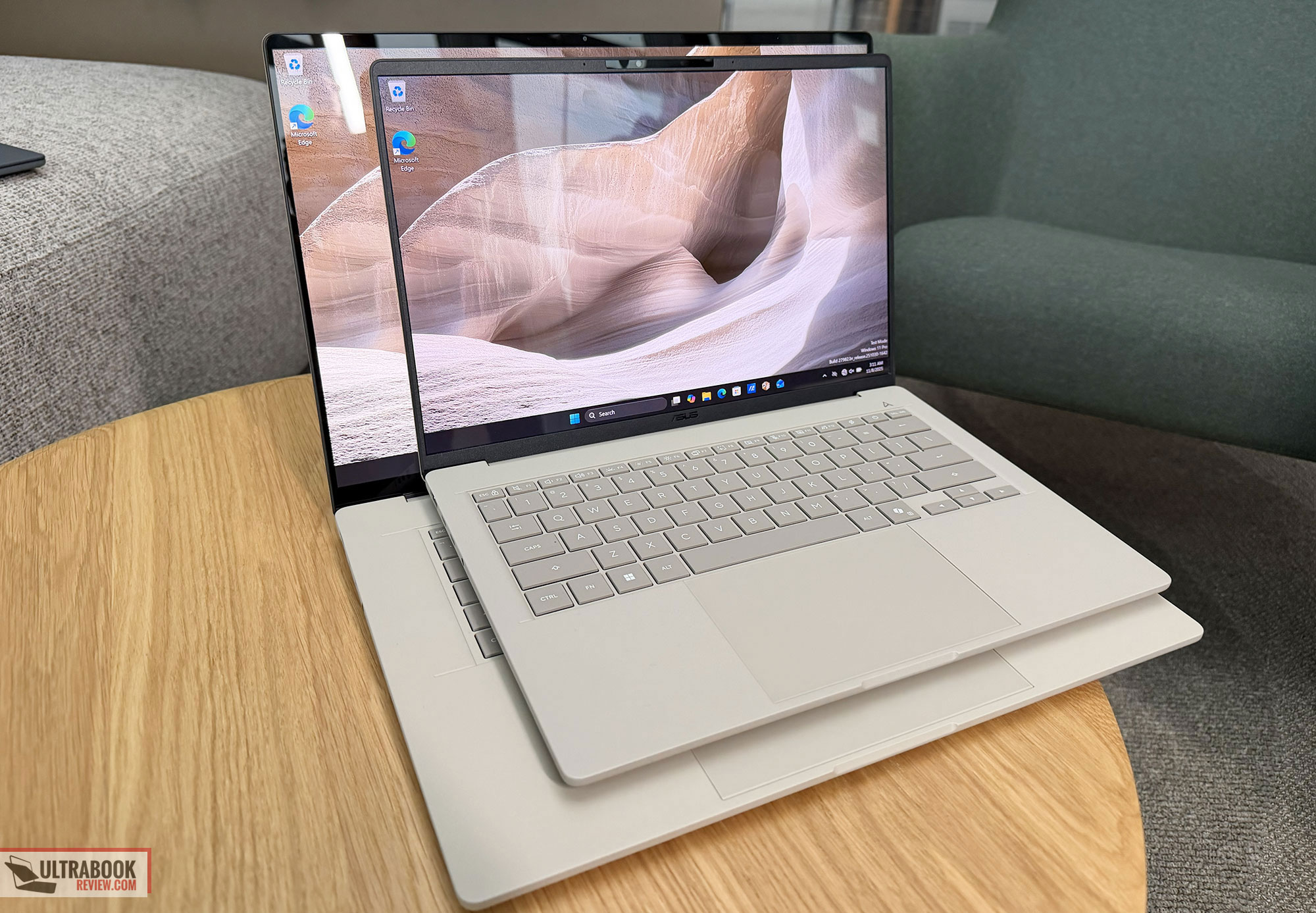
Ergonomics are mostly fine as well, although the screen only opens up to about 150 degrees, and not all the way flat on the back. To me, that’s an inconvenience with this sort of ultraportable laptops.
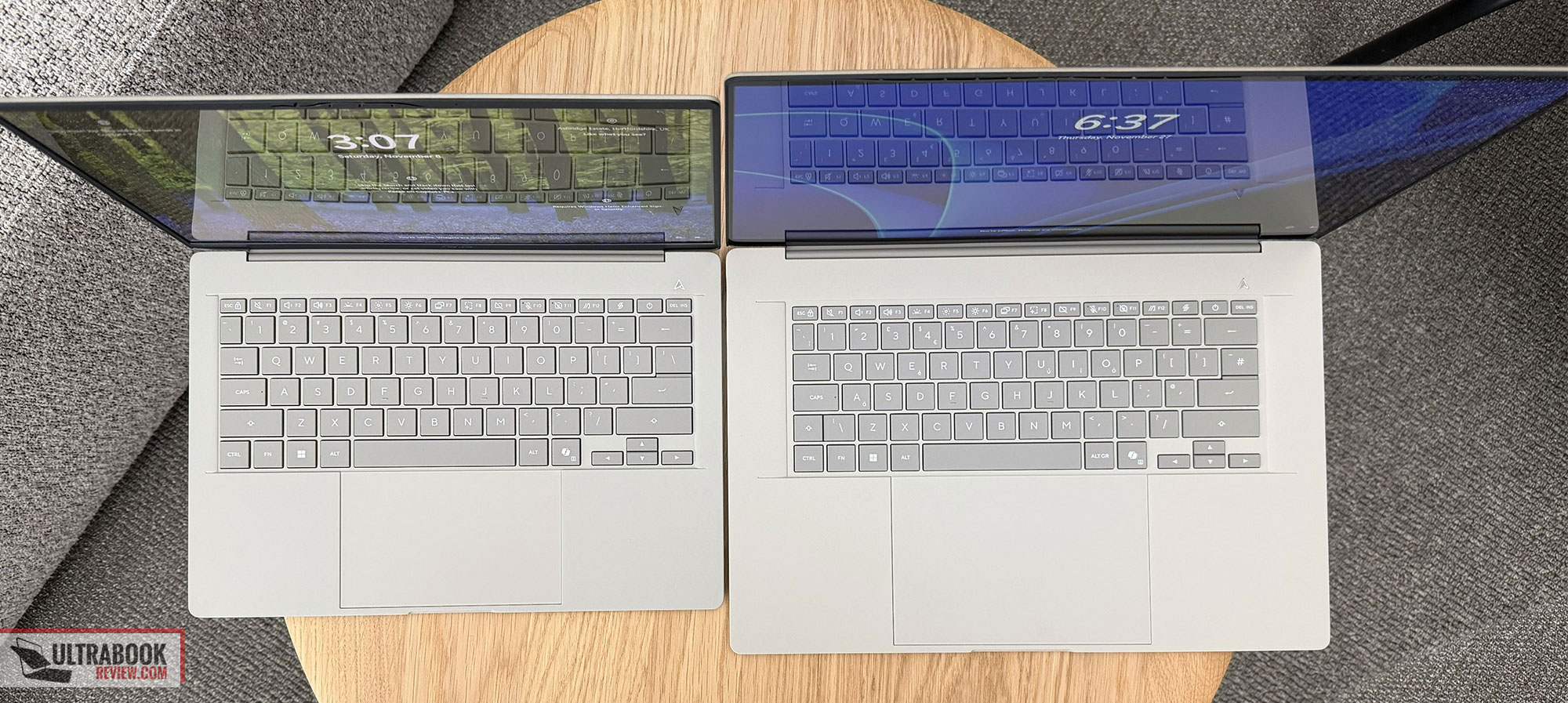
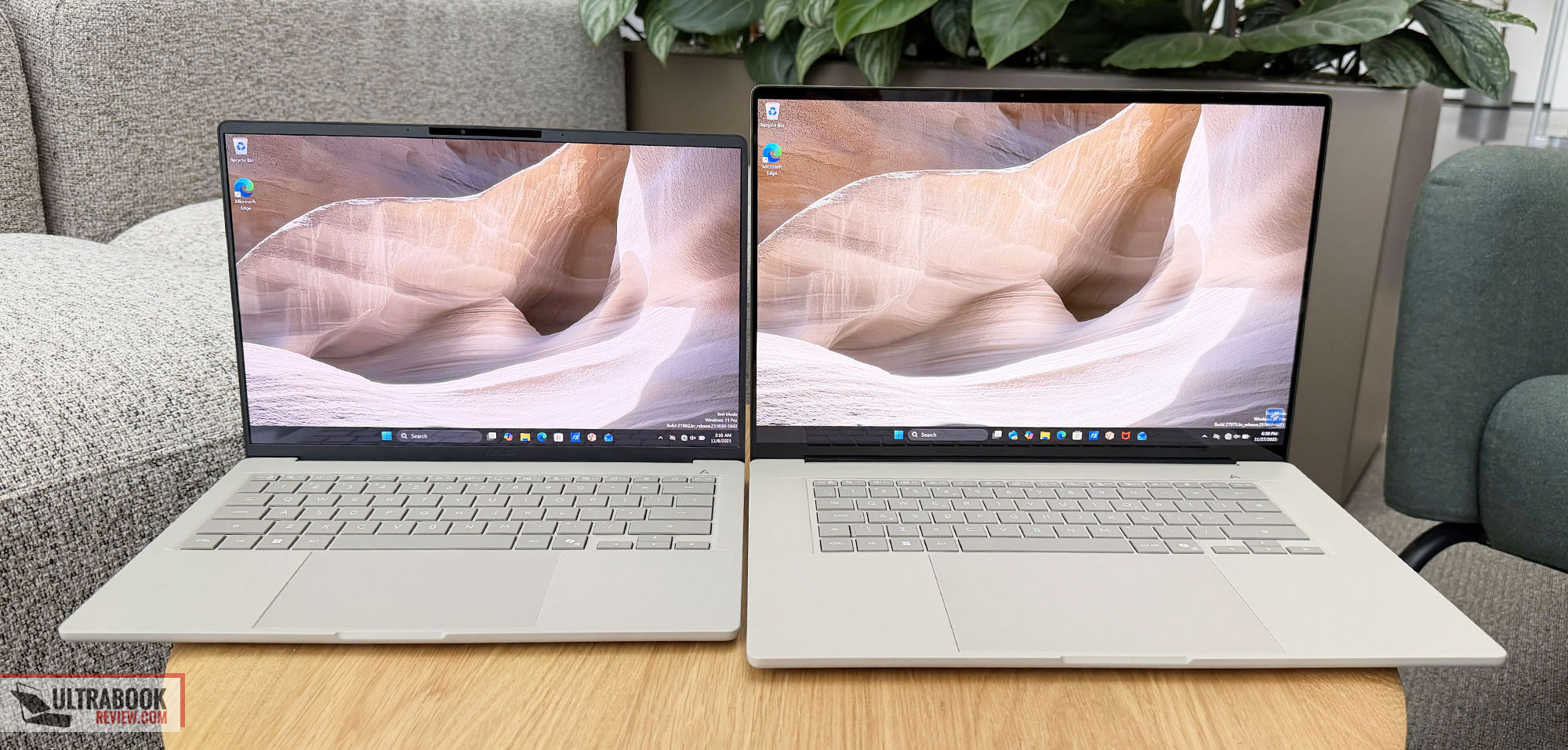
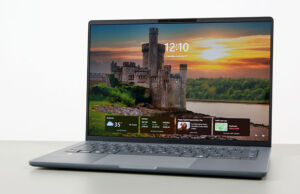
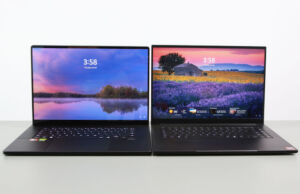
Here are some side-by-side pictures of the two sizes.
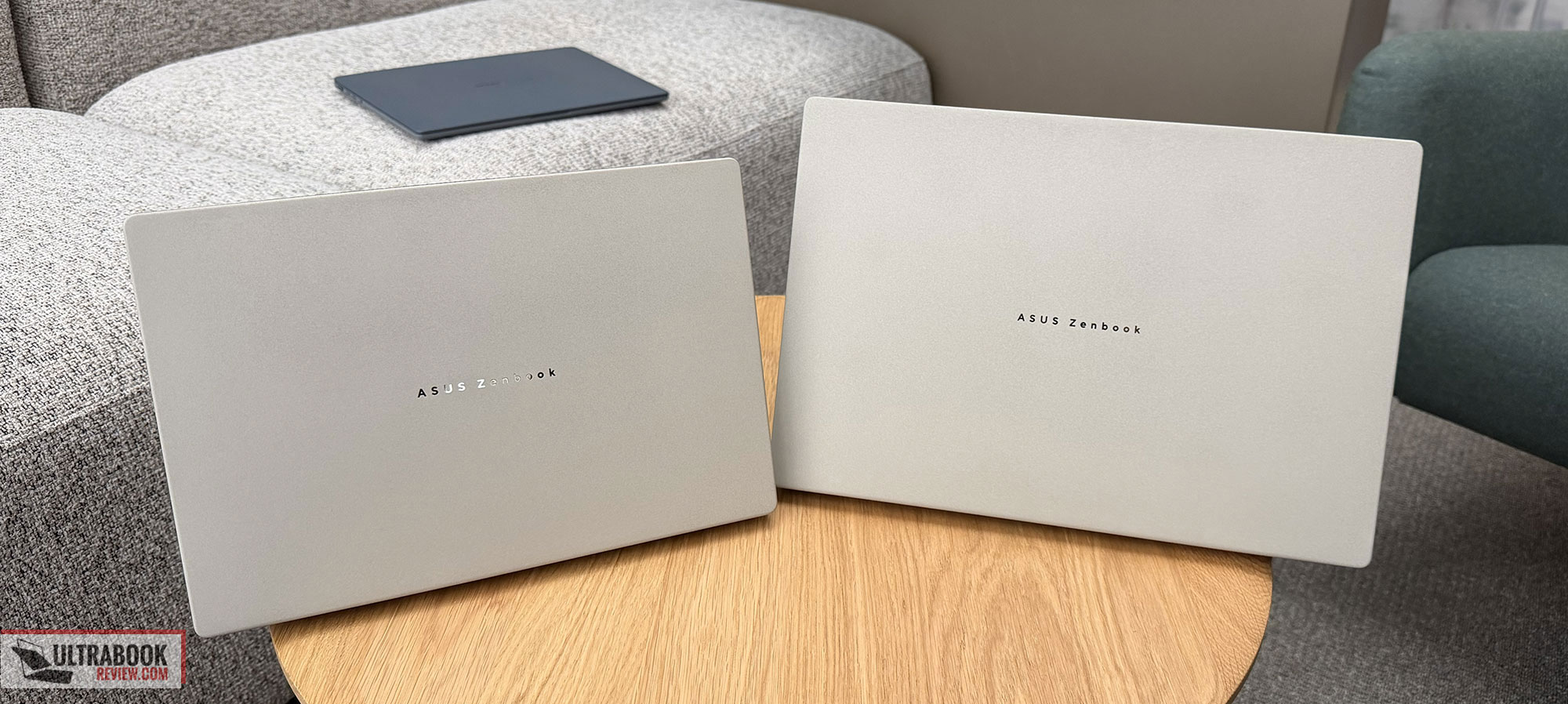
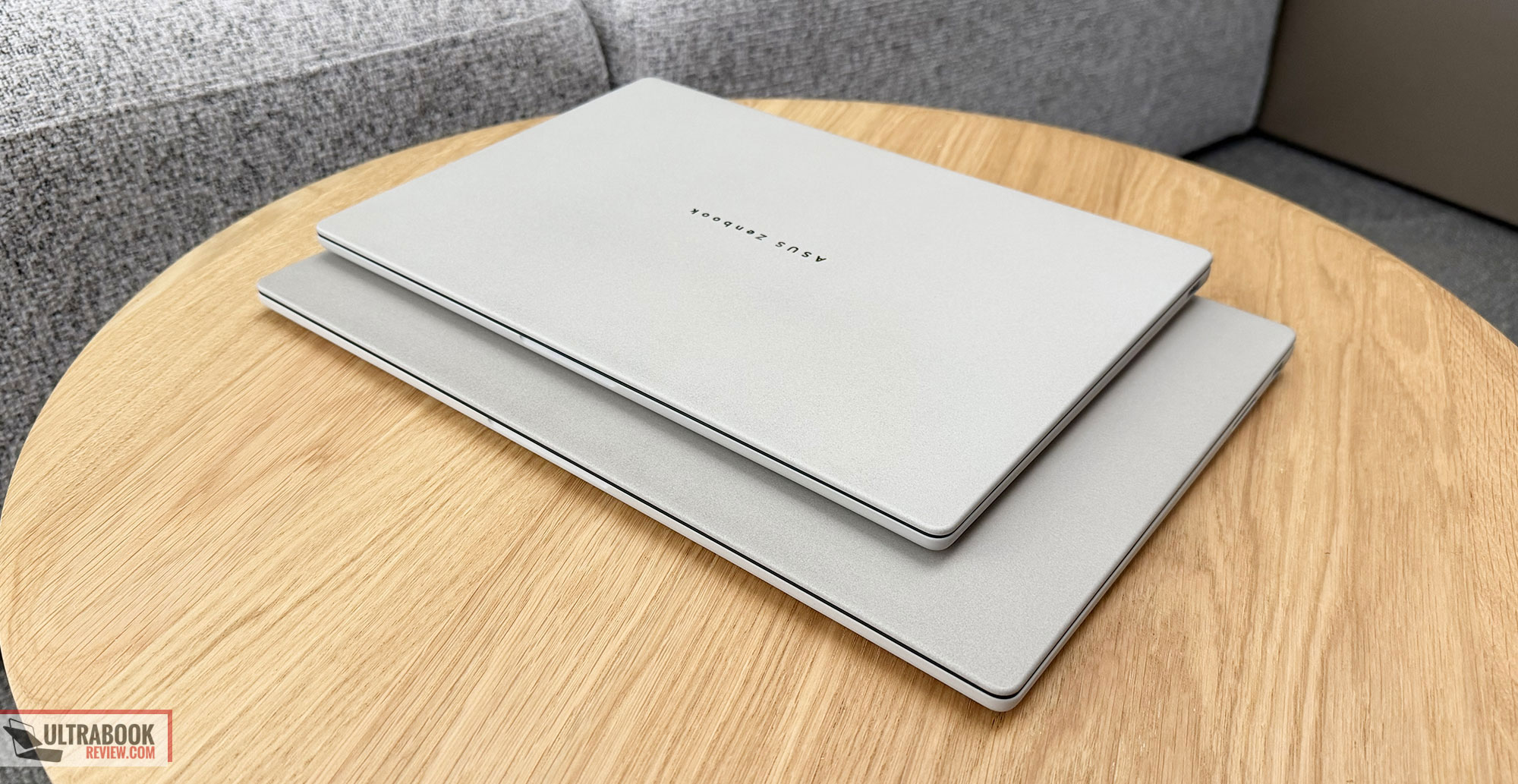
And a few more images of the Zenbook A16 and of the two color variants on the A14.
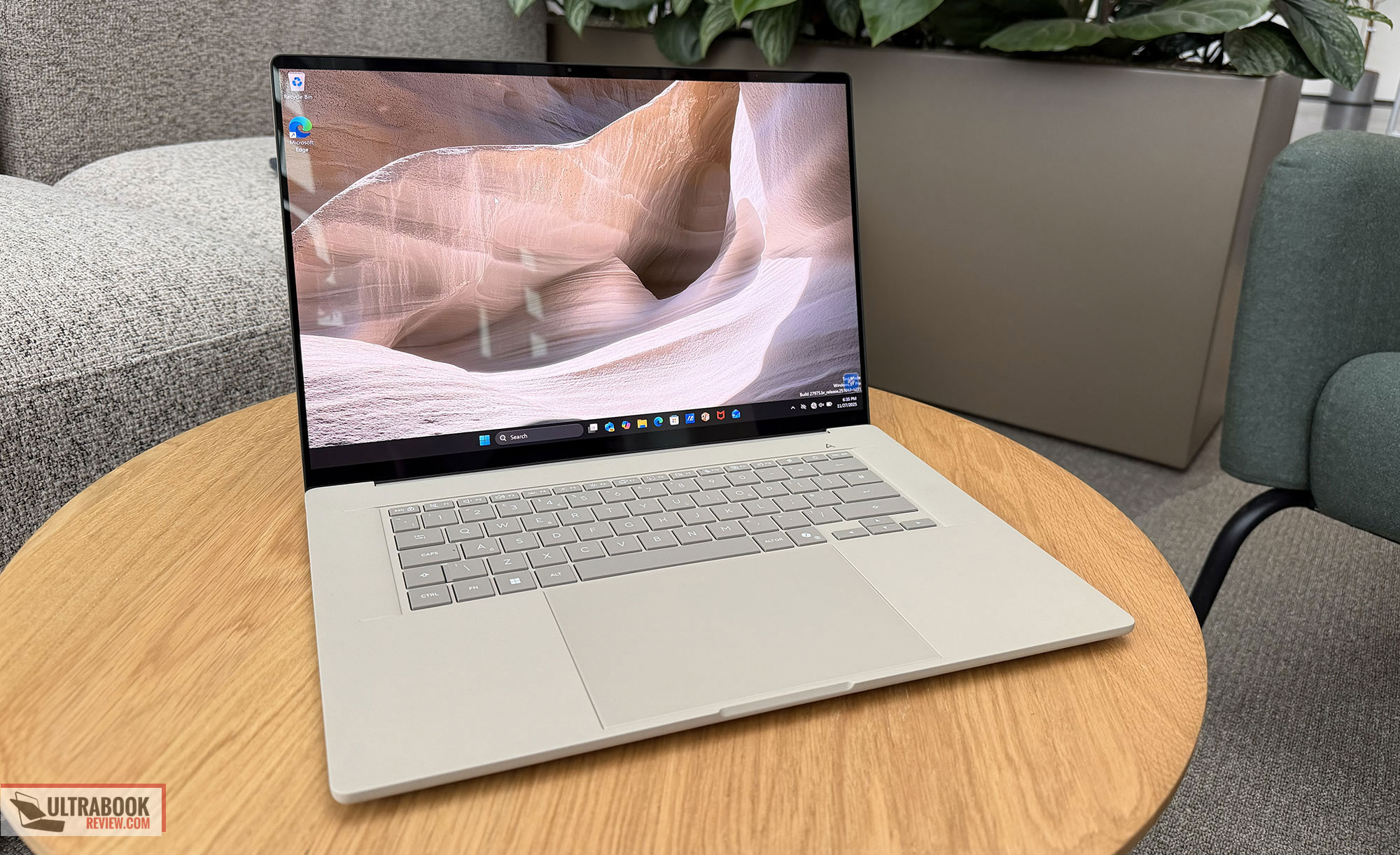
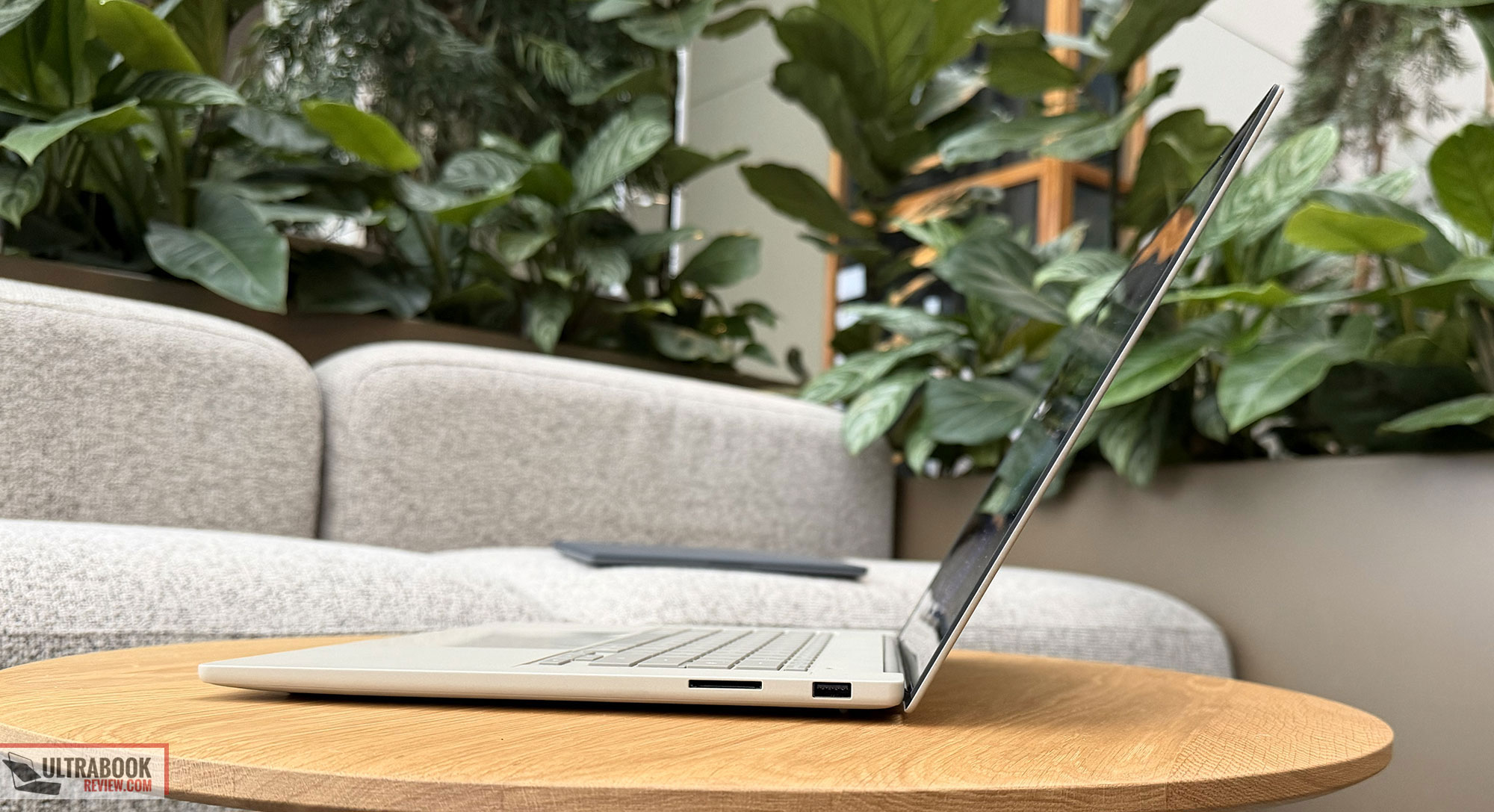
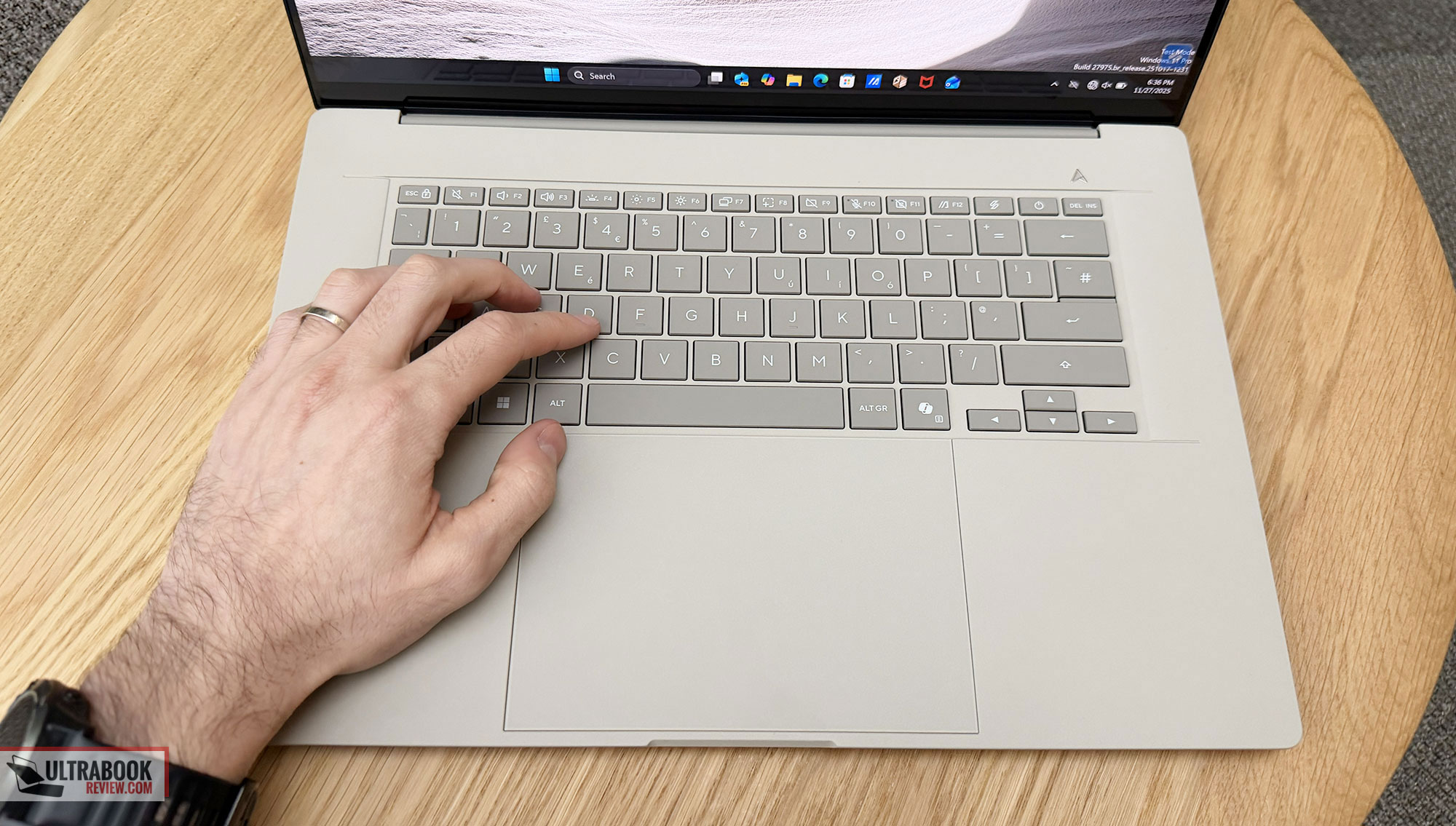
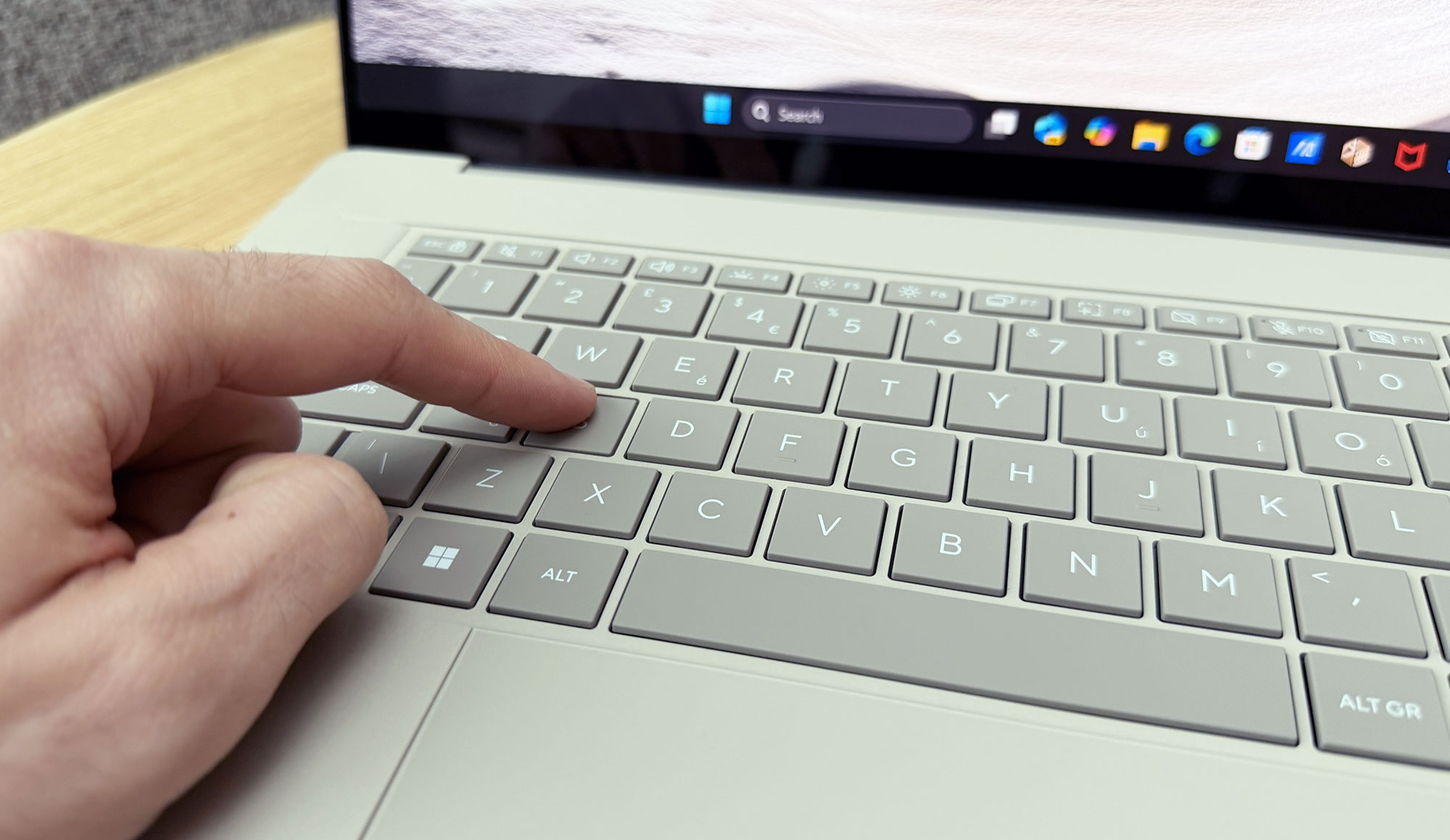
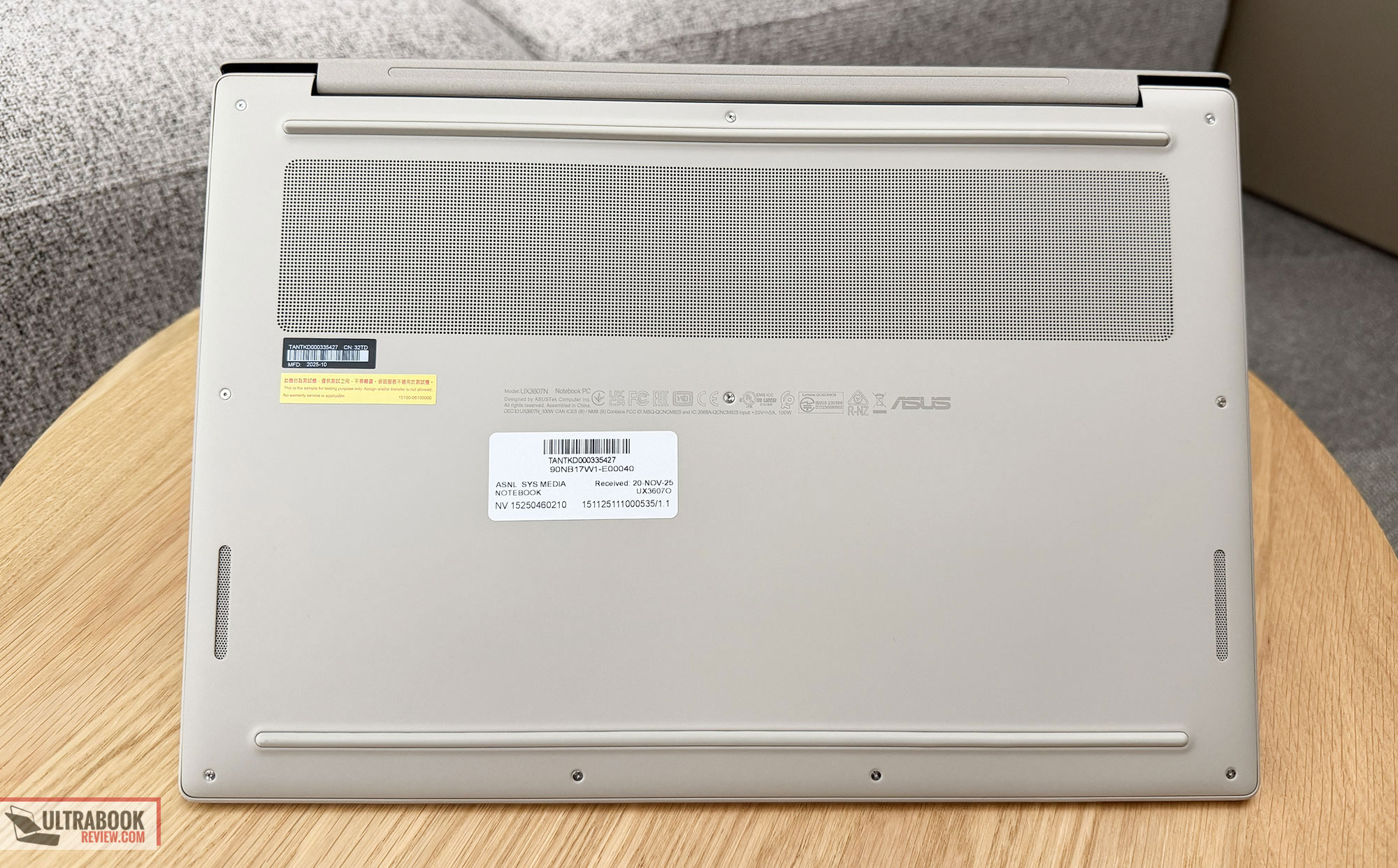
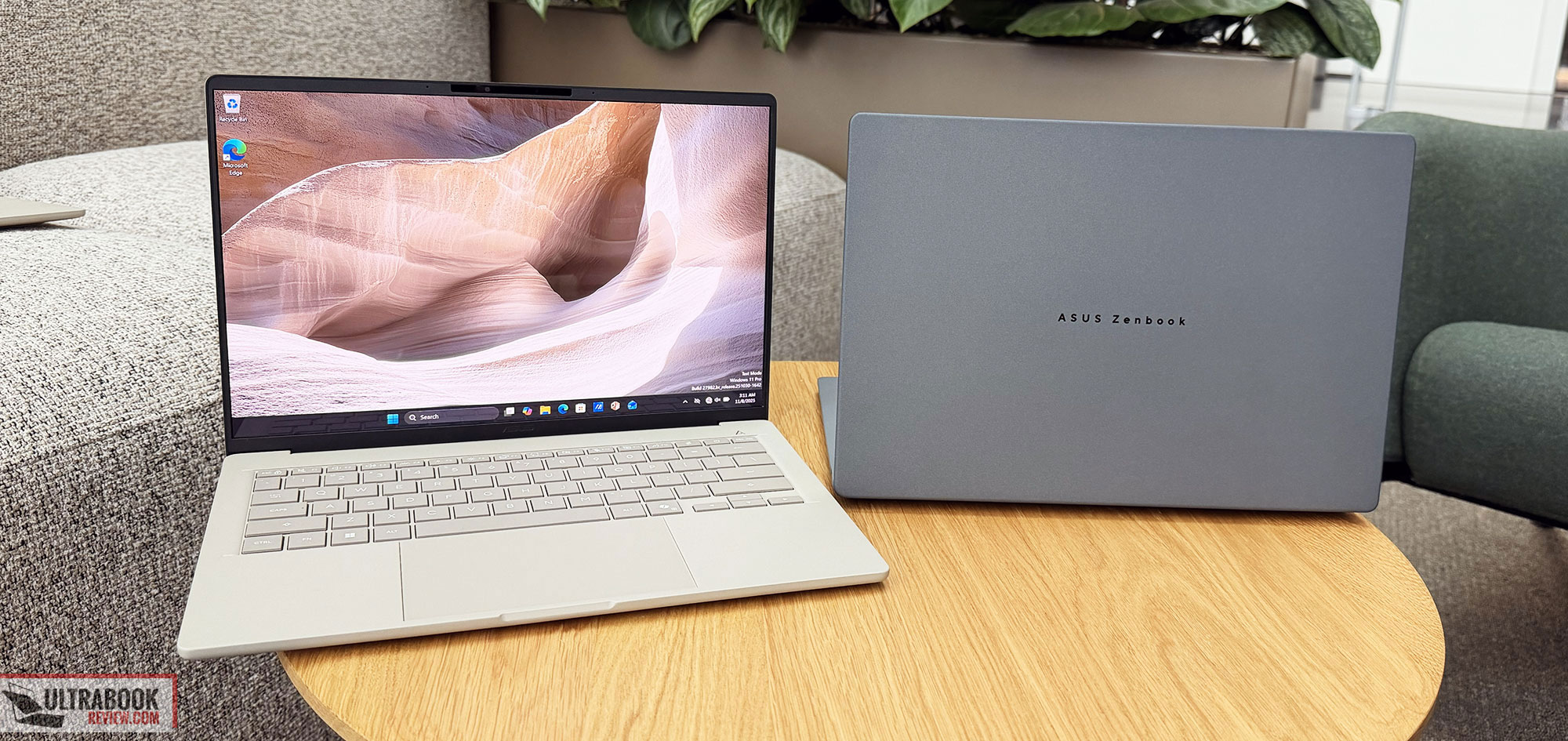
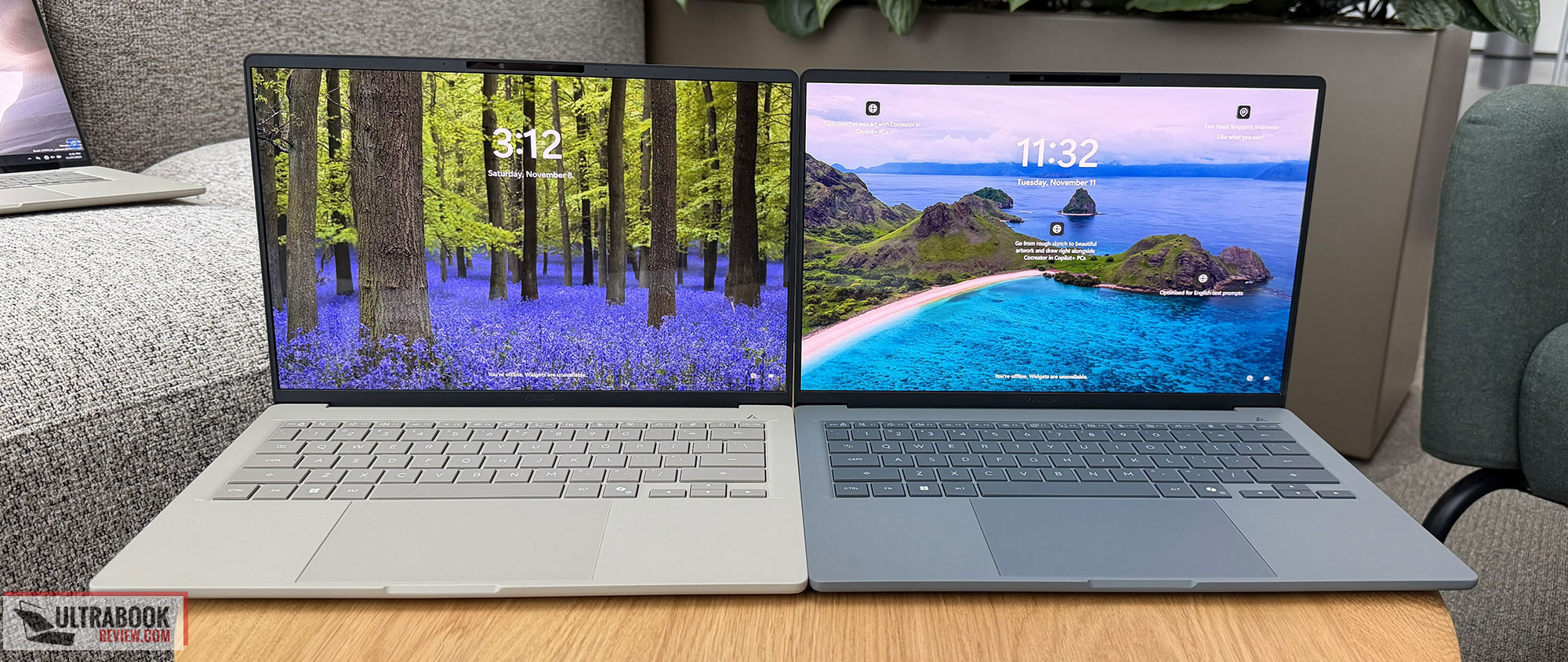
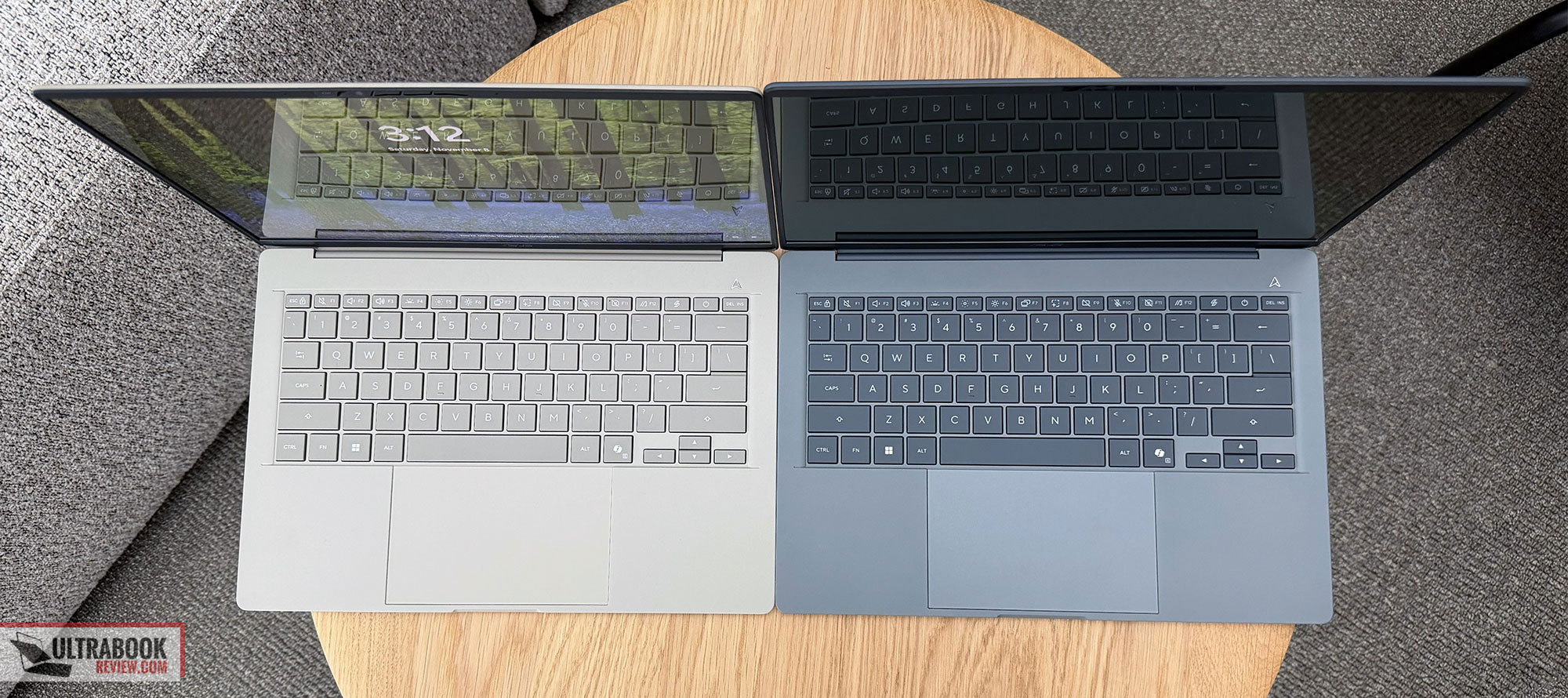
The keyboards on these two are identical, without any extras on the 16-inch model. They’re averagely short travel at 1.3 mm, and fair typers overall. The slightly rougher finish on the keycaps takes some time to get used to, as most laptops in this space offer smoother, more tactile keycaps. The benefit, if you can call it that, is the improved smudge and abrasion resistance of this Excimer coating.
The lateral space around the keyboard doesn’t include any speaker grills of any kind in the Zenbook A16, even if this model actually incorporates larger speakers and a set of extra tweeters, so the audio quality is improved over the 14-inch variant, where the sound quality is rather meh by today’s standards.
The bottom space is, however, used for a huge touchpad that still starts from just under the keyboard and goes close to the laptop’s front lip, but not too close to become an issue when using this on the lap.
The display is where the Zenbook A16 differs from A14. While Asus still puts a 2K 60Hz OLED on the A14, the A16 is available with either a similar 2k 60Hz option on the lower-specced configurations, or with a Lumina Pro 3K 120Hz OLED on the upper-tier configuration. This is the new-generation OLED with brighter sustained and peak brightness implemented in the Zenbook DUO as well, but I’m not sure whether it supports VRR here on this Snapdragon platform.
Regardless, battery life is spectacular on both, with the A14 being the longest-lasting laptop tested last year. The X2 Elite hardware generation provides 10-20% improved efficiency compared to the X1 Elite platform with casual use, hence the A14 is advertised at 35h of video playback, and the A16 at 21+ hours. The A14 “benefits” here of the 2K 60Hz OLED, while the 16-inch more advanced OLED on the 16-inch model takes its toll.
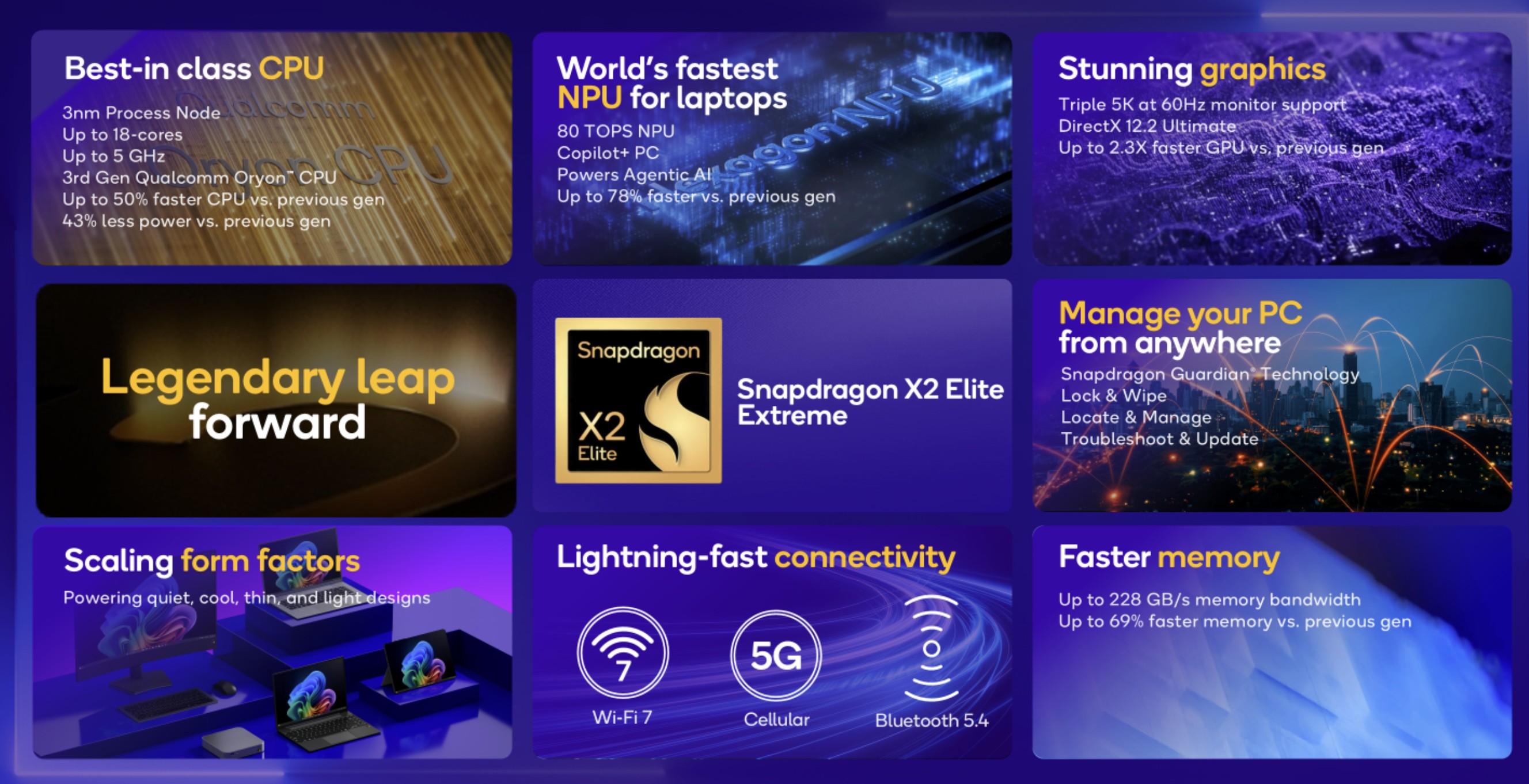
And then there’s the hardware. Both these laptops are built on Qualcomm’s latest Snapdragon X2 Elite hardware, with the X2 Elite X2E-88-100 chip on the A14 and the X2 Elite Extreme X2E-96-100 on the A16.
The two are rather similar, but the Extreme offers higher CPU/GPU clock speeds and runs at higher sustained power in the 16-inch model. These CPUs are both 18Core hybrid designs with 12 Prime Cores and 6 Performance cores (which is what Qualcomm unintuitively calls their lower-power cores) and similar Adreno iGPUs and 80 TFlops NPUs.
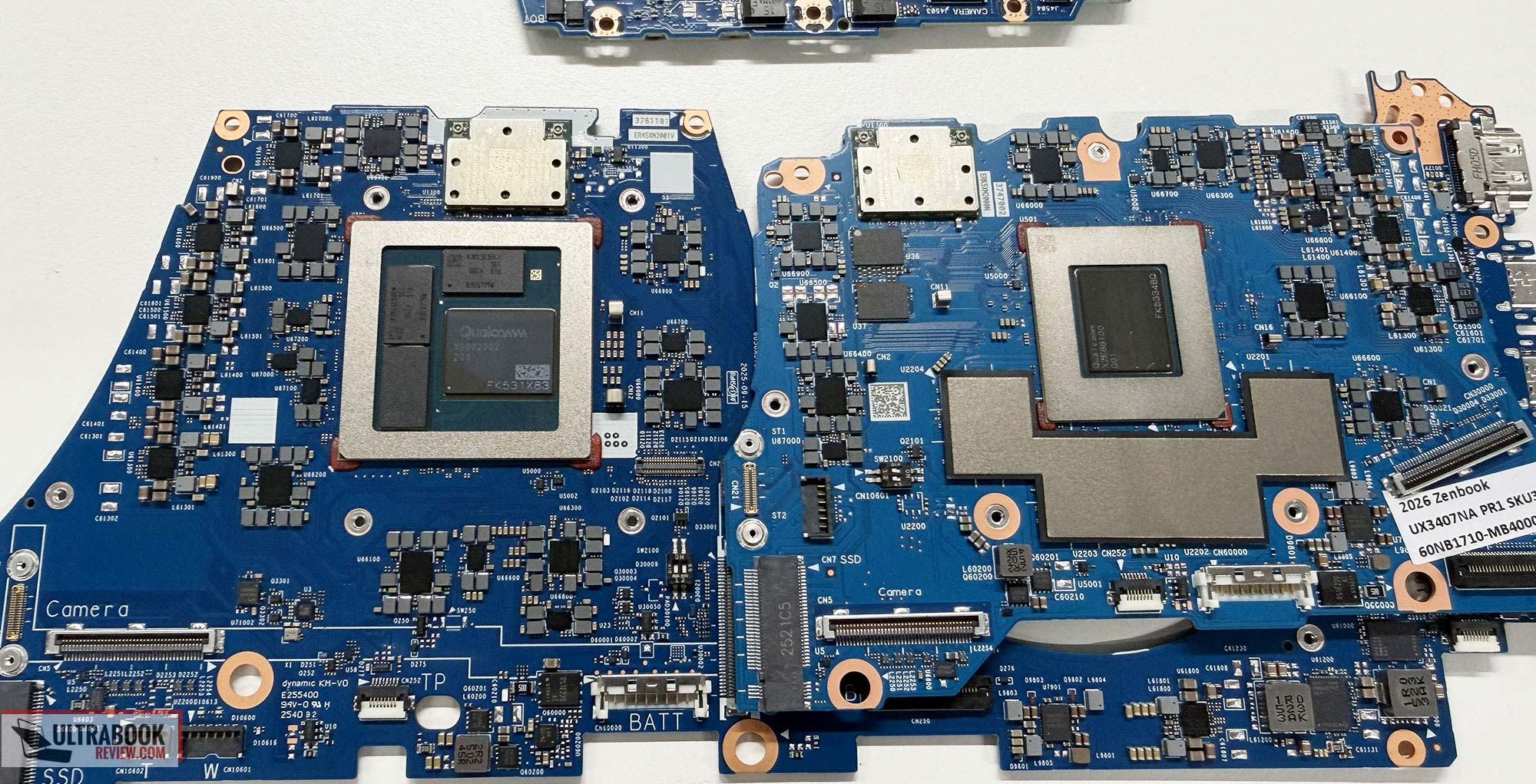
If interested, here’s how the two chilpets look, with the X2 Elite Extreme on the A16 motherboard to the left, and the S2 Elite on the A14 motherboard to the right.
An extra for this generation of Snapdragon hardware is the transition to faster 192bit memory bandwidth, with up to 48 GB configurations on the A16 and 32 GB on the A14.
Furthermore, Asus seem to have exclusive access to the X2 Elite Extreme, at least for a while, and that makes the Zenbook A16 potentially the fastest Snapdragon notebook of this generation.
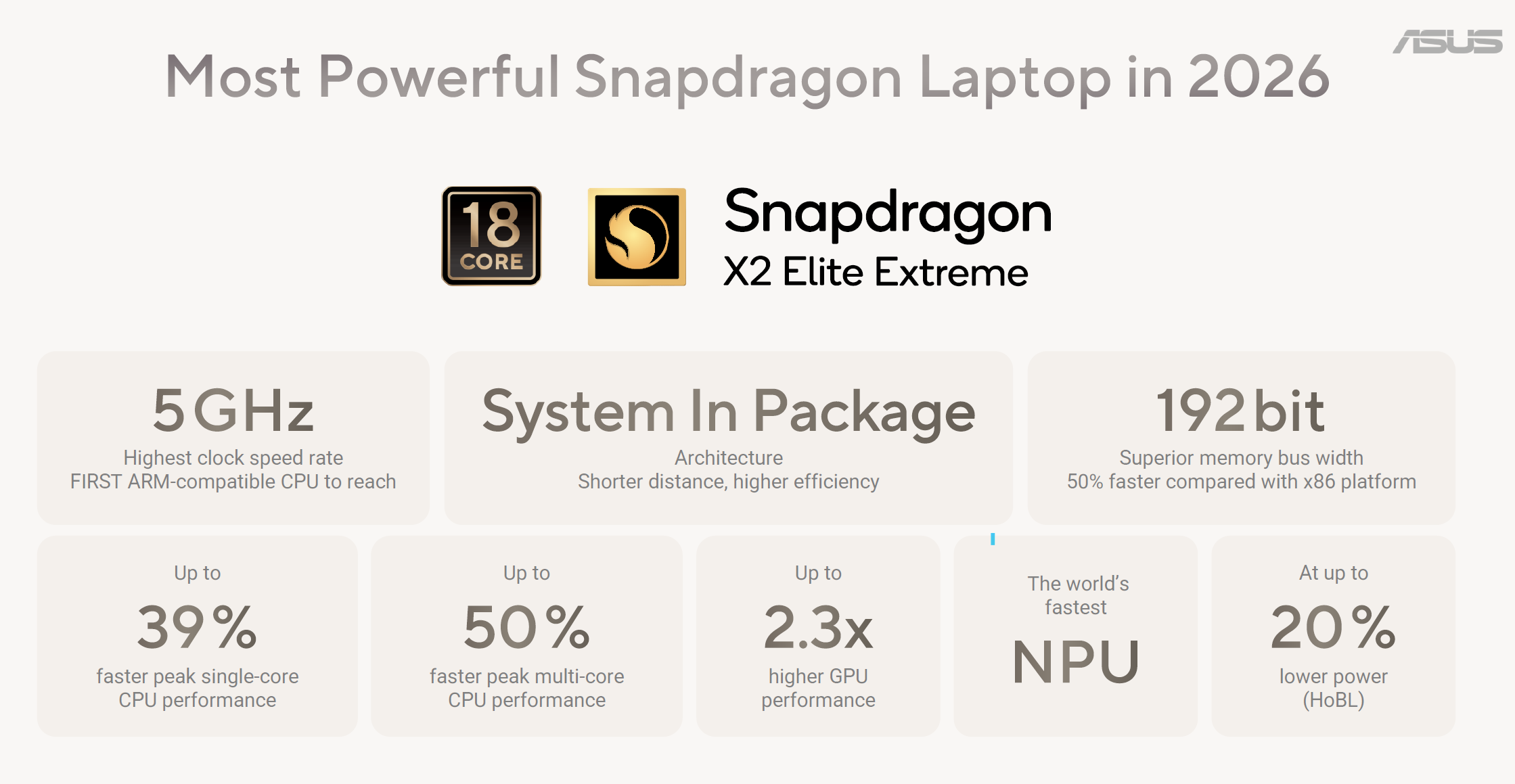
This hardware provides a significant boost in performance over the X1 Elite hardware of the 2025 generation, and is highly competitive against the latest Intel/AMD hardware as well.
Of course, we’ll have to wait for actual tests and reviews before concluding, as the provided results cherry-picked by Qualcomm might not always paint the full picture, but we can assume performance is not going to be a concern for this platform. However, I’d argue it never was, anyway.
The issue is the everyday experience with Windows on ARM and potential software incompatibilities/bugs/inconsistencies with specialized applications that would actually benefit from faster hardware. Microsoft is actively working on improving things, but figuring out all the issues and fixing them takes time. Otherwise, a regular Snapdragon X/X Plus chip is still plenty for general multitasking, at a fraction of the cost and at lower power.
Speaking of, both these laptops require a fair amount of power when plugged in and running on their more powerful profiles, and hence the 14-inch model bundles a 100W charger, while the 16-inch model ships with a 130W charger. These add up to your backpack as bulkier/heavier than a 65W charger that would suffice for a lower-tier configuration.
And then there’s the other potential culprit of these lineups: pricing. Last year, the A14 X1 Elite configuration started at 1299 USD /1500 EUR. Significant discounts followed later in the year to move the stocks, alongside the lower-specced X1 and X1 Plus configurations that became interesting at 600-800 USD/EUR. But the high-tier models didn’t sell well.
This year, Asus are still mostly focusing on these upper-tier configurations, even if Snapdragon X2 Plus 10Core and 6Core specs were recently unveiled. Perhaps they’ll offer those configurations as well at some point.
All in all, the Zenbook A16 is a rather interesting ultra-light laptop with an excellent display, solid inputs and IO, and impressive power at its size. But it’s still a Snapdragon laptop with its quirks and software limitations, which buyers are going to struggle to adopt. The overall value of these devices improves once we step down to the more affordable configurations meant for browsing, video content, and just basic use, where most things just work (hopefully, printer drivers are addressed as well), while the Elite and Elite Extreme tier configurations are going to have a harder time moving off the shelves.




hurz
January 13, 2026 at 4:53 pm
i have it up to here, that im waiting every f* year for a matte oled option,
that was finally there with a last years matte gorilla glas.
and what this year!? the dropped it. AAARGH. i cannot believe this.
waited for an A16 version of this ceralumium chassis.
but last years a14 was unusable with that insanly glossy display,
would be otherwise a good travel option with 1kg and battery life.
i hope they put at least some anti gloss this year, but i doubt that,
so again i wont buy this.
super frustrating.
Eric Hsu
February 4, 2026 at 7:55 am
Hi Andrei,
I commented over on your article regarding the upcoming Thinkpad X9 15p, and now learning about the A16, I'm quite intrigued. I mentioned that I've been struggling a bit lagging and freezing and waking from sleep on my current Thinkpad X9 15 with the Lunar Lake 258v (I've been trying to adjust some settings to address the issue – the jury is still out). But now I'm wondering if the Snapdragon X2 Elite Extreme could actually solve my issues with my heavy browser workflow. How would you stack up the X2 Elite Extreme against the 258v, or even the newer Panther Lake processors, which I'm also considering upgrading to with the Thinkpad X9 15p.
It seems like the A16 could be a better value for me with acceptable tradeoffs. Before purchasing the Thinkpad X9 15, I actually was craving a 16 inch device and really tried to make it work with the LG Gram Pro 16. I passed on it because the screen was a bit too glossy, the keyboard and speakers weren't quite as good as the X9, and the dimensions were just a bit too big (the screen to body ratio wasn't as good with the LG and it has a more substantial bottom lip beneath the screen). The A16 is apparently slightly smaller than the LG Gram Pro 16 in both length and width.
Anyways, to sum it up, I think the battery life, performance with my heavy browser workflow, and lower cost compared to the Thinkpad X9 15p are making the A16 an intriguing option. As always, I would very much appreciate your thoughts!
Andrei Girbea
February 5, 2026 at 3:51 pm
Just research the potential software bugs of Qualcomm laptops and make sure you're OK with them. We'lll have a review of the Zenbook A16 at some point in the next months.